Add images and media
Three ways to get images, video, and other files onto your site — plus what to know about file size and storage.
Three ways to add media
Upload from your computer. "Upload these photos and add them to my gallery page." Claude gives you a one-time upload link; you drop the files in your browser and they land on your site within seconds.
Add from a public URL. "Add this image to the home page: https://example.com/photo.jpg." Claude fetches the file and saves it. Works for images, video, audio, and PDFs.

Search Unsplash. "Find a photo of a bakery shopfront for the about page." Claude searches Unsplash, shows you options, and adds the one you pick — attribution is handled automatically.
What you can add
- Images — PNG, JPG, GIF, WebP, AVIF, SVG, ICO
- Video — MP4, WebM, Ogg (MOV files have to be exported to MP4 first; Claude will tell you)
- Audio — MP3, WAV, OGG, M4A, AAC
- Fonts — WOFF, WOFF2, TTF, OTF
- Documents — PDF, ZIP
File size and storage
| Free | Make-it-mine | For-Organizations | |
|---|---|---|---|
| Per-file size limit | 50 MB | 500 MB | 500 MB |
| Total storage per site | 500 MB | 5 GB | 50 GB |
If you hit the limit, the dashboard's storage meter will show you. See plans for details on each tier.
How images are served
Upload at full resolution and Lanlan handles the rest. Every <img> tag on your site is rewritten at deploy time to use Cloudflare's image pipeline:
- Format conversion. Browsers that support WebP or AVIF get those automatically; older browsers get the original. Smaller files, faster loads.
- Responsive variants. Each image is served at five widths (480, 800, 1200, 1600, and 2000 pixels). Visitors on phones don't download a 4000-pixel hero — their browser picks the right size for the screen.
- Lazy loading. Images below the fold load only when the visitor scrolls to them.
No settings to flip. It happens to every raster image (PNG, JPG, GIF, WebP, AVIF) automatically. SVGs and externally-hosted images are passed through as-is.
Manage what's uploaded
Open your dashboard's media page to browse everything you've uploaded — filter by type, copy a public URL, delete files, or check the storage meter.
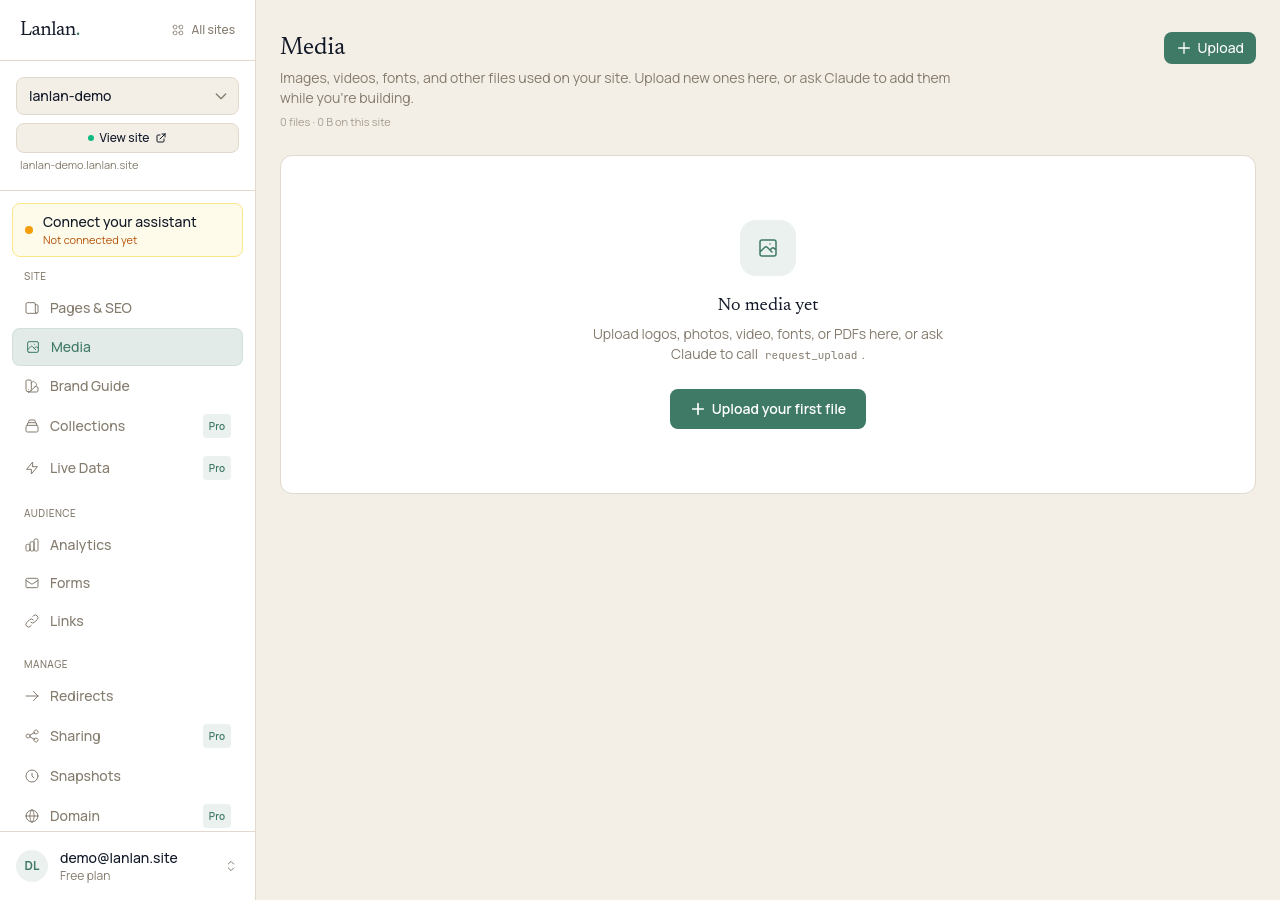
Deleted files don't disappear immediately. They go into a 30-day bin in case you change your mind. After 30 days they're permanently removed.
If you want Lanlan to find files that aren't used anywhere on your site (and clear them out), ask Claude: "Clean up unused media on my site." Claude will list what it found before deleting anything.
What about video?
Video plays directly from your site with seek support (so visitors can scrub the timeline). There's no automatic transcoding today — keep clips reasonably short and compressed before uploading. The per-file size limit applies.
What to try next
- Change the look — 4-min read
- Manage your pages — 2 min
- Set up a blog or portfolio — 4 min
If you get stuck
Ask Claude. "I can't figure out how to…" almost always gets you unstuck. For anything Claude can't help with, email support.