Your first site
From zero to a live website in about ten minutes.
What you need
- A Claude account — free or paid both work.
- About ten minutes.
- A rough idea of what you want — even one sentence is enough.
Step 1: Add Lanlan to Claude
Lanlan plugs into Claude as a connector. No installs, no command line, no code editor.
One click does it — this link opens Claude's Add-connector box with Lanlan already filled in:
Claude will call Lanlan an "unreviewed third party" — that's expected, and it just means we're not yet in Claude's own directory. Full walkthrough and troubleshooting: Add Lanlan to Claude (about a minute).
Once it's added, every request you make of Claude that involves your website goes through Lanlan automatically.
Step 2: Tell Claude what you want
You're briefing a designer, not filling out a form. The clearer the brief, the closer the first draft will be — but anything you leave out, Claude will ask about.
A good first message names the business and the rough vibe. Start simple:
- "Build a website for my bakery. The vibe should feel friendly and warm."
- "Build a one-page site for my dog-walking business in West Oakland. Easy to read, with a contact form."
- "Build me a portfolio site for my landscape photography. Quiet, dark, lots of white space."
Don't worry about getting it perfect. Step 4 is for changes.
Step 3: Answer a few questions as Claude builds
Claude usually asks two or three short questions while building — colors, fonts, what to put in the hero, that kind of thing. Each answer takes a sentence.
When the first draft lands, your site is already live at your-name.lanlan.site. Tap the link Claude sends you and the site opens in your browser. Nothing ships to a real domain (like your-business.com) until you connect one yourself — that's a separate step, later.
Step 4: Change anything, anytime
The site you have now is a starting point. Tell Claude what to change and it changes — usually live within a few seconds.
- "Make the headline shorter and the photos bigger."
- "Move the contact form to its own page."
- "Try a warmer cream background instead of pure white."
- "Add a page for the menu."
Keep going until you're happy. When you stop making changes, you're done.
Where everything lives
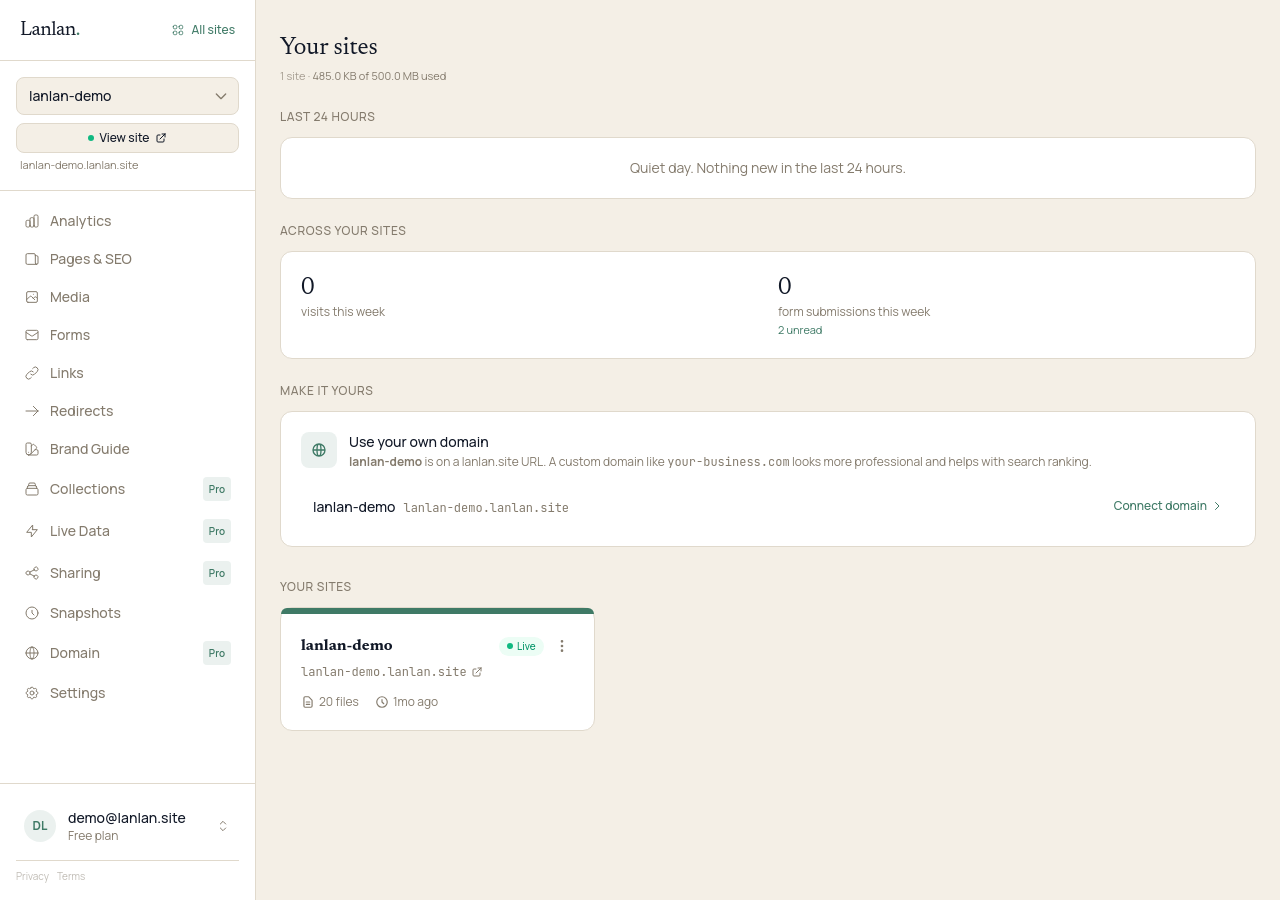
When you want to look at form submissions, see who's been visiting, manage custom domains, or change billing, your dashboard at app.lanlan.site is the home base. Most days you won't need to open it — Claude handles the work — but it's there when you do.
What to try next
- Add a contact form — 2 min
- Connect a custom domain — 5 min + DNS
- See who's visiting — 1 min
If you get stuck
Ask Claude. "I can't figure out how to…" almost always gets you unstuck. For anything Claude can't help with, email support.