Short links and redirects
Two related-but-different tools: short links to share, and redirects to keep old URLs working.
Which one do you need?
- A short link when you want to make a new URL that's easier to share — for a newsletter, a printed flyer, a QR code on a poster, a paid ad. Lanlan tracks every click on it.
- A redirect when you have an old URL on your own site that you don't want to be a dead end — you renamed a page, restructured your URLs, or migrated from another platform.
Short links
Open your dashboard's links page and click Build a share link. Tell it where the link should point (any URL on your site or anywhere on the web), and Lanlan generates a short URL like link.lanlan.site/abc1234. You can pick your own slug if you want something memorable: link.lanlan.site/spring-sale.
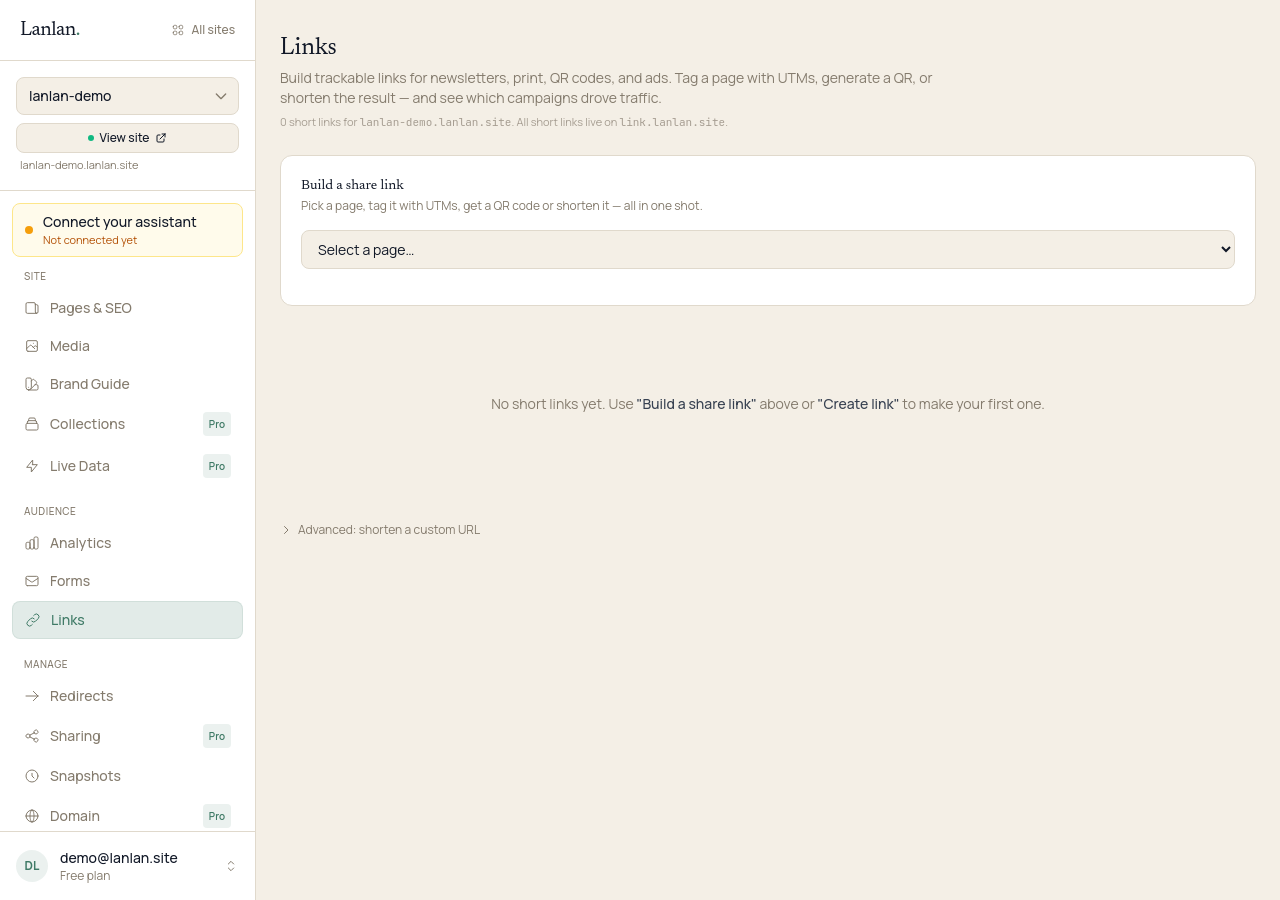
Lanlan tracks how many times the short link is clicked, which days, and roughly where the clicks came from (country, device, referrer). Useful for working out which campaigns are pulling.
QR code. When you generate a short link, you also get a QR code as a downloadable PNG — put it on a poster, a business card, or a menu and people scan straight to your page.
Redirects
Open your dashboard's redirects page and click Add redirect. Tell it the old path on your site (/old-pricing) and where to send visitors instead — either a path on your site (/pricing) or a full URL anywhere (https://other-site.com/page).
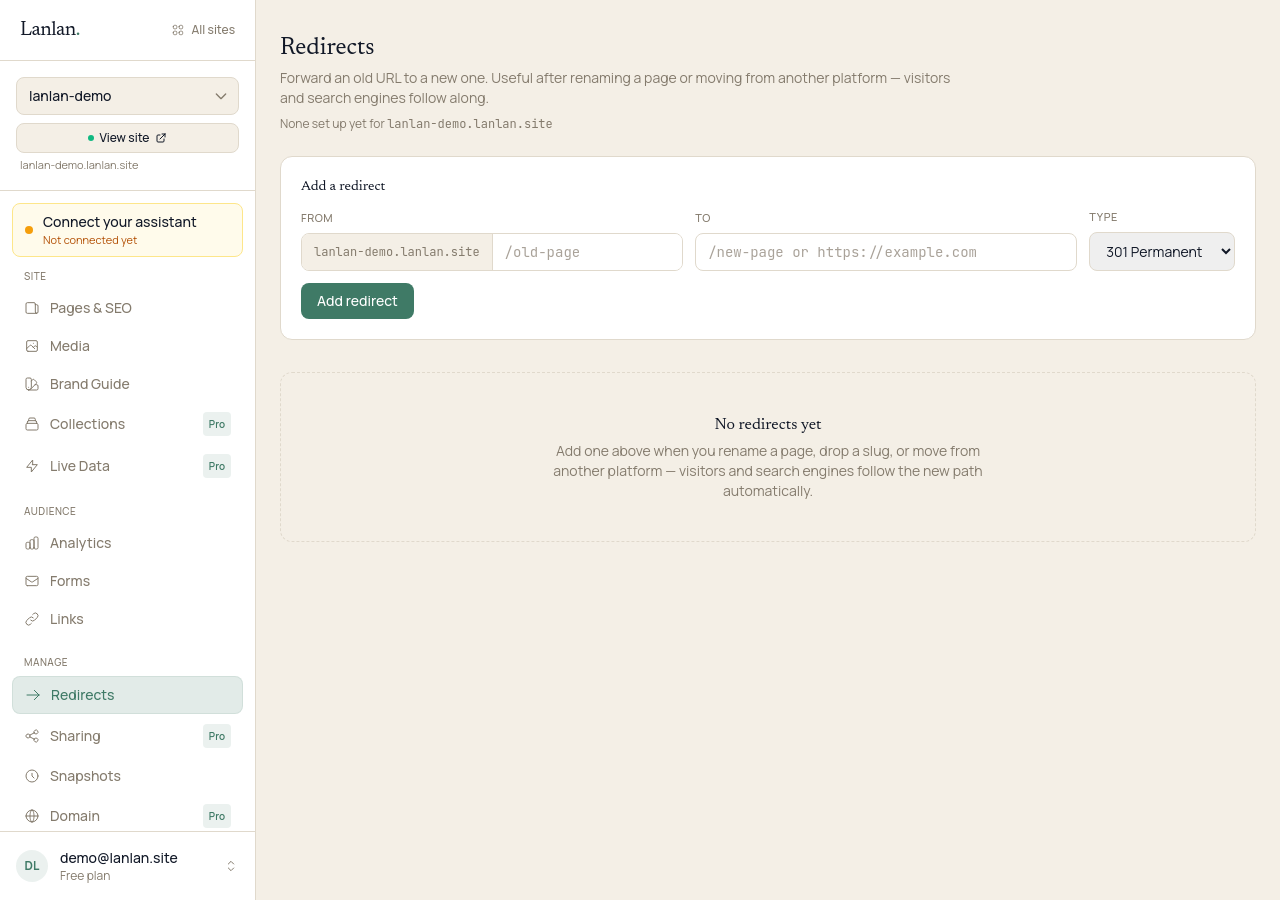
From then on, anyone who hits /old-pricing is automatically sent to the new place. Search engines treat this correctly, so your SEO doesn't take a hit.
Lanlan tracks how many times each redirect is hit and when it was last used — helpful for spotting old URLs that are still getting traffic from somewhere you forgot about (an old email, a print ad, a backlink on someone else's site).
You can also do this in Claude:
- "Set up a redirect from
/old-pricingto/pricing." - "List the redirects on this site and how many times each one was used."
What it costs
Both features are included on every plan, free or paid.
What to try next
- Connect a custom domain — 5 min + DNS
- See who's visiting — 1 min
- Manage your pages — 2 min
If you get stuck
Ask Claude. "I can't figure out how to…" almost always gets you unstuck. For anything Claude can't help with, email support.