Change the look
Tell Claude what to change. Most visual changes land within seconds.
What you can change
Colors, fonts, spacing, layout, photos, copy — basically anything visual. You don't need to know CSS or design terms; describe what you want in plain language and Claude figures out the technical bits.
How to ask
There are three useful patterns. Mix and match as you go.
For one specific thing
When you know exactly what's bothering you, say so plainly. Claude makes the change and the page updates within a few seconds.
- "Make the headline bigger."
- "The contact button is too small on phones — make it taller."
- "Change the photo on the home page to the one I'm about to send."
For an overall vibe
If the site doesn't feel right but you can't point to one thing, describe the feeling. Claude will make several coordinated changes — fonts, spacing, colors, weight — to nudge the whole site toward the new direction.
- "Make the whole site feel calmer — more white space, softer fonts."
- "Make it feel more confident and bold — punchier headlines, stronger contrast."
- "Make it look more grown-up. Right now it feels a little casual."
From a reference site you like
Point Claude at a website whose look you admire. Claude will fetch the site, look at its layout, colors, and fonts, and adapt yours in that direction. The result is inspired by the reference, not a copy.
- "Make my site's typography more like newyorker.com."
- "Look at patagonia.com — I want a similar feeling of calm and earthy."
- "My competitor at thiscompetitor.com has a layout I like. Try something similar."
What if you don't like the change?
Two options, both reversible:
- Ask Claude to undo it. "Go back to how the headline was before." Works most of the time and is the fastest fix.
- Roll back to a snapshot. Every deploy is automatically backed up. Open your dashboard's snapshots page and pick any point in your site's history to restore.
You can't lose work — the old version is always one click away.
Your brand guide
Lanlan keeps a brand guide for your site — a record of your colors, fonts, voice, and design direction. Claude reads it on every change, so the site stays coherent even as you iterate.
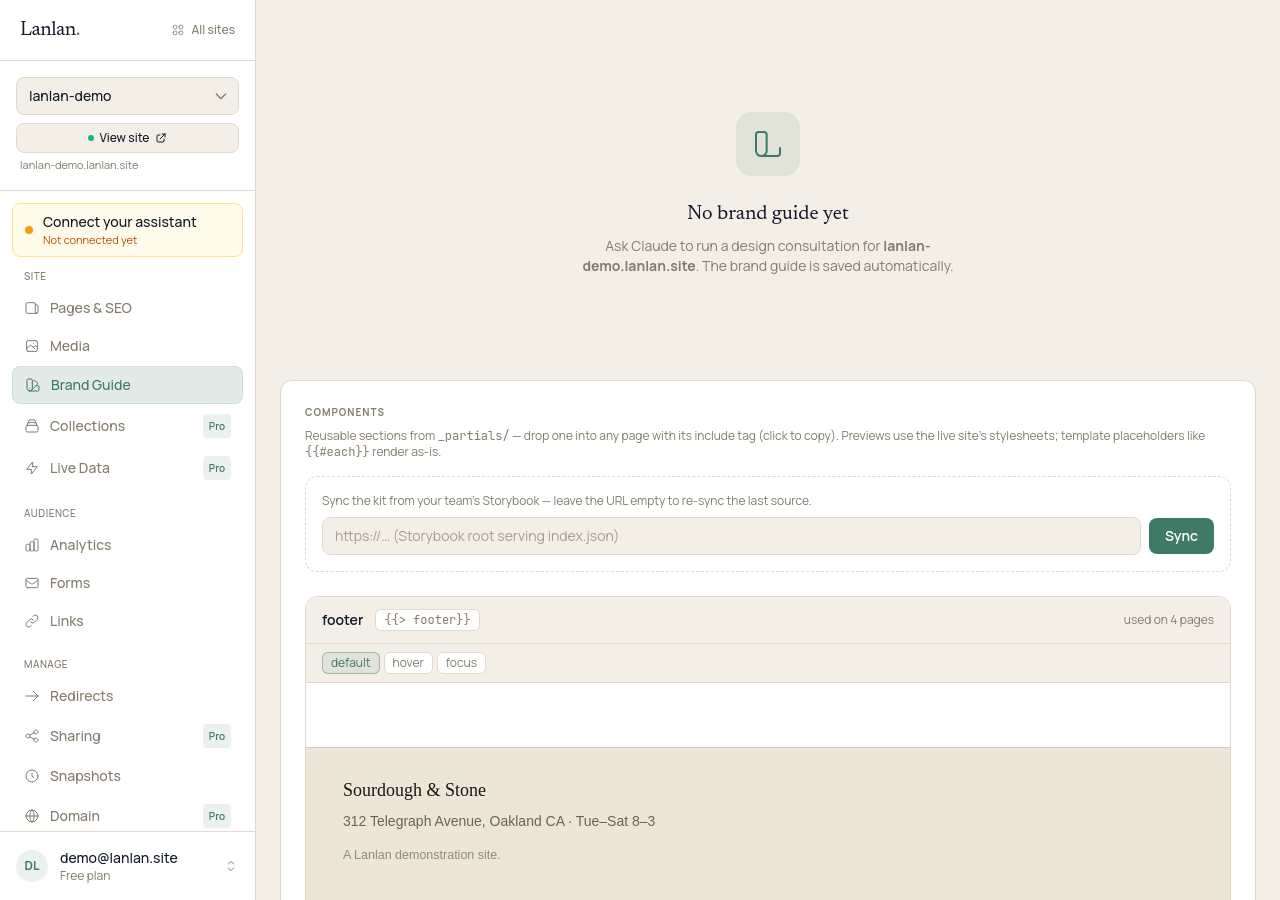
Open your brand guide to see (or edit) what's in it. Or in Claude: "Update my brand guide — our primary colour is now #3F7A66 and we're using Newsreader for headlines."
What to try next
- Add a contact form — 2 min
- See who's visiting — 1 min
- Connect a custom domain — 5 min + DNS
If you get stuck
Ask Claude. "I can't figure out how to…" almost always gets you unstuck. For anything Claude can't help with, email support.