See who's visiting
Lanlan tracks pageviews, referrers, and devices automatically. No setup, no cookies, no banners.
What Lanlan tracks
Every page on your site reports back when someone visits. You don't have to set anything up — it's on by default.
What gets recorded:
- Pageviews per page — how many times each page was opened.
- Where visitors came from — the website that linked them (or direct, if they typed your URL).
- Country — roughly where they were when they visited.
- Device — mobile, tablet, or desktop.
- UTM tags — if you share links with
?utm_source=newsletter(or similar), those show up grouped. - Core Web Vitals — Google's standard measures for load time, layout stability, and responsiveness, captured from real visitors. We show your site's median against Google's targets, not a single “score”.
No banners to click. No we use cookies popups. We don't set any cookies on your visitors, and we don't load any third-party trackers. Just numbers about your site.
Open your analytics
Go to your dashboard's analytics page.
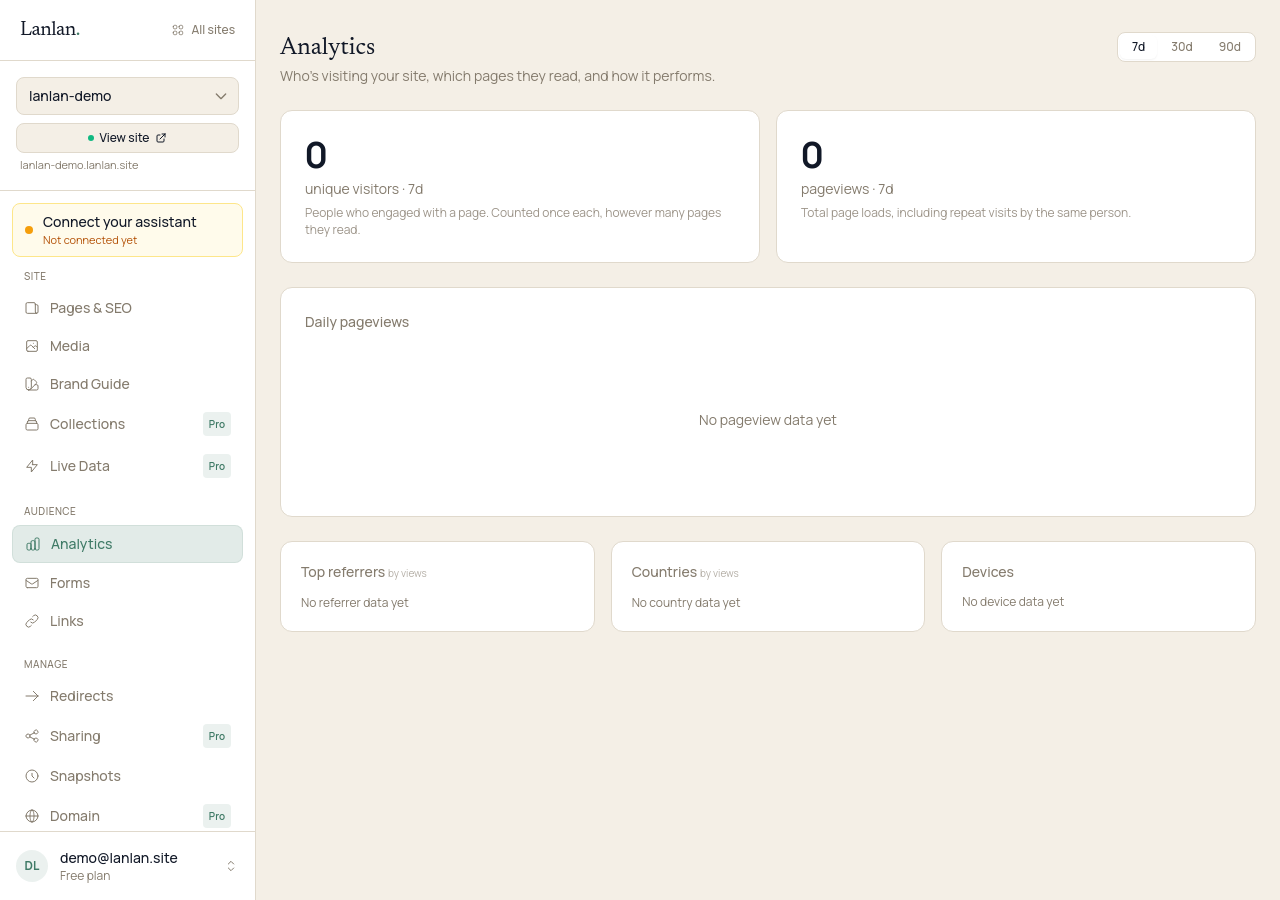
You'll see unique visitors and pageviews for the last 7, 30, or 90 days, with the change vs. the previous period. Below that: top pages, top referrers, countries, devices, and UTM breakdowns.
What to look for
- Which page is most visited? Usually your home page. If it's something else, that page is doing more work than you realized — worth understanding why.
- Where are people coming from? Search engines, social platforms, direct links — each tells you something different about how to find more visitors.
- Are people landing and leaving? If most visitors only see one page and leave, that page might not be answering what they came for. Worth a look at the copy.
What to try next
- Add a contact form — 2 min
- Connect a custom domain — 5 min + DNS
- What is Lanlan? — 2-min read
If you get stuck
Ask Claude. "I can't figure out how to…" almost always gets you unstuck. For anything Claude can't help with, email support.