Invite collaborators
Share a site with someone else — they'll be able to edit content, manage forms, and see analytics.
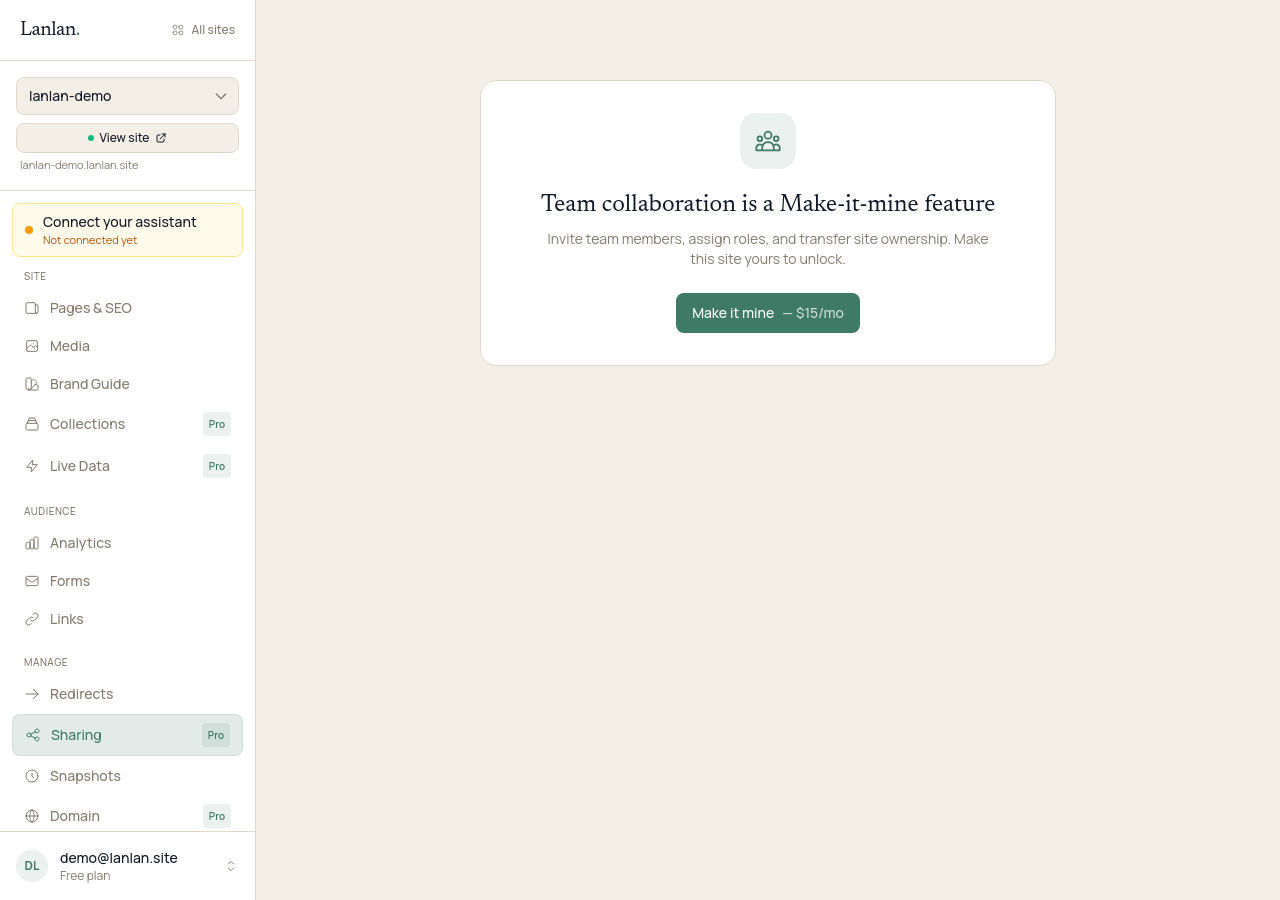
Sharing requires the Make-it-mine plan or higher ($15/month). See plans.
How to invite someone
Open your dashboard's team page, enter the person's email, and click Send invite.
- If they already have a Lanlan account, they're added immediately.
- If they don't, the invite waits in pending until they sign up. Lanlan sends them an email from
support@lanlan.sitewith a link to get started.
What a collaborator can do
A collaborator has the same day-to-day access you do:
- Edit pages, content, and design
- Manage collections, forms, and live data
- See analytics
- Use Claude to make changes (after they add Lanlan to their own Claude account)
- Receive form-submission notification emails (they're added to the BCC list automatically)
What only the owner can do
A few things stay with whoever owns the site:
- Connect or buy a custom domain
- Add or remove other collaborators
- Delete the site
- Change billing
If you need to hand a site over completely, that's a transfer, not a new collaborator — ask Claude or email support.
Roles
Today, every collaborator has the same level of access (called Member in the dashboard). A more granular role system (viewer / editor / admin) is on the roadmap but isn't built yet — if you need read-only or restricted access for a teammate today, hold off on inviting them or contact support to talk through what you need.
Removing someone
Open your dashboard's team page, find the person's row, and click Remove. They lose access immediately. Their past edits stay on the site — nothing is undone.
What to try next
- Manage your pages — 2 min
- Add a contact form — 2 min
- See who's visiting — 1 min
If you get stuck
Ask Claude. "I can't figure out how to…" almost always gets you unstuck. For anything Claude can't help with, email support.